
Blog
Anycubic M5/M5s/Pro Build Platform Compatibility Guide
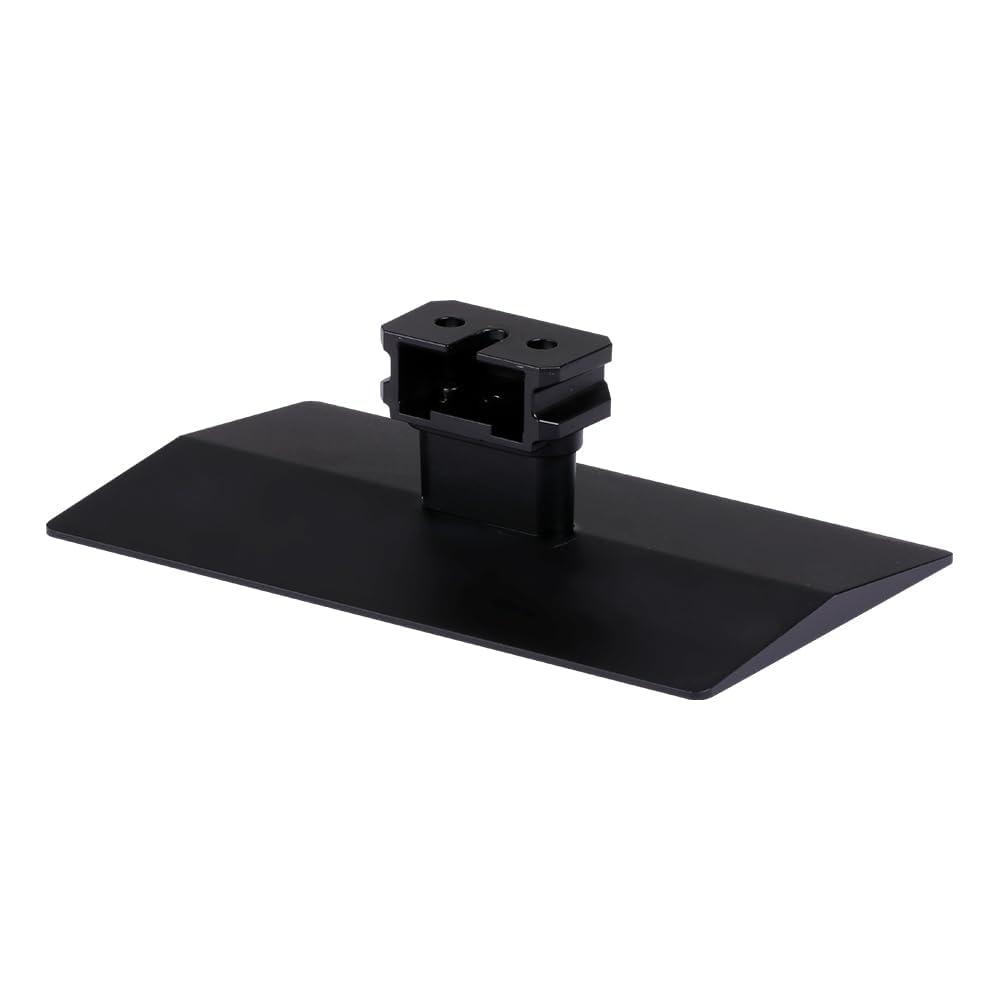
Anycubic M5/M5s/Pro Build Platform Compatibility Guide For Users
Use this Anycubic M5/M5s/Pro Build Platform Compatibility Guide by Choosing the correct replacement part is important when maintaining a resin 3D printer. A build platform may look simple, but its dimensions, mounting system and compatibility with a specific printer can determine whether it works correctly.
This Anycubic M5/M5s/Pro Build Platform Compatibility Guide explains what to check before purchasing a replacement platform, how the M5-series models differ, and what users should consider when selecting a compatible build platform.
Whether you are replacing a damaged platform, keeping a spare for your workshop or troubleshooting adhesion problems, understanding compatibility can help you avoid purchasing the wrong component.
What Is an Anycubic M5/M5s/Pro Build Platform?
A build platform is the component attached to the printer’s Z-axis assembly. During resin printing, the platform moves through the resin vat as the model is created layer by layer.
The first layers of a print need to adhere properly to the platform. Once the initial layers are established, the printer continues building the model above them.
For this reason, the build platform needs to be correctly installed, properly positioned and compatible with the printer.
The Anycubic M5/M5s/Pro Build Platform is designed for compatible Anycubic Photon Mono resin 3D printer models and provides a rigid surface for resin printing.
Why Build Platform Compatibility Matters
It can be tempting to assume that build platforms with similar product names are interchangeable. However, printer accessories can have differences in dimensions, mounting arrangements and other physical specifications.
Even small differences can affect installation or printer operation.
Before purchasing a replacement platform, users should therefore check the exact model of their printer and compare it with the compatibility information provided for the replacement part.
This is particularly important when comparing the Photon Mono M5, M5s and M5s Pro.
Anycubic M5, M5s and M5s Pro Compatibility
The names of these printers are closely related, but users should not automatically assume that a build platform intended for one model will fit another.
The safest approach is to verify:
- Exact printer model
- Build-platform dimensions
- Mounting configuration
- Platform design
- Product SKU or part number
- Manufacturer compatibility information
If you are purchasing an Anycubic M5/M5s/Pro Build Platform, always check the product listing against your particular printer before placing an order.
You can also review the detailed product information for the Buy Anycubic M5 M5s Pro Build Platform Online at Print & Engrave.
Does the Build Platform Affect Print Quality?
Yes, the condition and setup of the build platform can influence the early stages of a resin print.
A platform that is incorrectly positioned, contaminated with resin or damaged may contribute to poor first-layer adhesion.
However, build-platform condition is only one factor. Resin type, exposure settings, leveling, temperature, slicing settings and the condition of other printer components can also affect printing results.
If you are experiencing failed prints, it is therefore useful to examine the entire printing process rather than immediately assuming that the platform is the only cause.
Laser-Engraved Build Platforms
Compatible Anycubic platforms may feature a laser-engraved surface designed to provide a textured contact area for the first layers of a resin print.
The purpose of this surface is to provide suitable contact between the platform and the resin during the initial stages of printing.
A textured surface does not eliminate the need for proper printer setup, however. The platform should still be clean, correctly installed and appropriately leveled according to the requirements of the printer.
How to Check Build Platform Compatibility
Before purchasing a replacement, use the following checklist.
1. Identify Your Exact Printer Model
Start by checking the name and model number shown on your printer or its documentation.
Do not rely only on the general product family name. Confirm whether you have the Photon Mono M5, M5s, M5s Pro or another model.
2. Compare the Platform Specifications
Look at the dimensions and physical specifications of the replacement platform.
If the manufacturer or supplier provides measurements, compare them with the specifications of your original platform.
3. Check the Mounting System
The way the platform attaches to the printer is another important consideration.
A platform may have a similar shape but still use a different mounting arrangement. Check the attachment mechanism before purchasing.
4. Verify the Product Listing
Read the compatibility information provided by the manufacturer or retailer.
If a listing specifically identifies your printer model, this provides a useful confirmation before ordering.
5. Contact the Seller When Necessary
If you are still unsure, contact the seller before purchasing and provide the exact printer model.
This is particularly useful when replacement parts have similar names but different specifications.
Signs That You May Need a Replacement Platform
A build platform can last through many printing cycles when properly maintained, but replacement may eventually become necessary.
Some potential signs include:
- Significant scratches
- Deformation
- Persistent adhesion problems
- Excessive cured-resin buildup
- Damage from model removal
- Difficulty keeping the surface clean
- Physical damage to the mounting area
Before replacing the platform, it is worth checking whether cleaning, leveling or print-setting adjustments resolve the problem.
Cleaning and Maintaining Your Build Platform
Regular maintenance can help extend the useful life of a build platform.
After printing, remove leftover resin and clean the surface according to the manufacturer’s recommendations.
When removing a cured model, avoid using excessive force. Aggressive scraping can cause unnecessary surface damage.
Inspect the platform regularly for scratches, deformation or cured resin that has become difficult to remove.
Proper maintenance is particularly important for users who operate their resin printers frequently.
Should You Keep a Spare Build Platform?
For occasional users, a single platform may be sufficient. However, keeping a spare can be convenient for people who print frequently.
A replacement platform can reduce downtime if the primary platform requires extensive cleaning, inspection or replacement.
It can also be useful in a workshop environment where several printing jobs are being prepared at the same time.
If you are considering purchasing a replacement or spare, you can view the Anycubic M5/M5s/Pro Build Platform at Print & Engrave.
Common Compatibility Mistakes
One of the most common mistakes when purchasing printer accessories is choosing a product based only on a similar model name.
For example, seeing “M5” in both product names does not necessarily prove that the components are interchangeable.
Other common mistakes include:
- Not checking the exact printer model
- Ignoring platform dimensions
- Failing to check mounting compatibility
- Assuming all M5-series accessories are identical
- Buying based only on a product photograph
- Not checking the seller’s compatibility information
Taking a few minutes to verify these details can help prevent an unsuitable purchase.
Build Platform Adhesion Tips
If your compatible platform is installed correctly but prints are still failing to adhere, consider checking the following:
Clean the Platform
Resin residue, dust and other contaminants can affect the printing surface.
Check Leveling
Make sure the platform has been leveled according to your printer’s instructions.
Review Exposure Settings
Exposure settings can influence how strongly the initial layers cure and adhere.
Check the Resin
Different resin formulations can have different printing requirements. Follow the resin manufacturer’s recommended settings when available.
Inspect the Platform
Look for scratches, deformation or other physical problems that could affect printing.
Anycubic M5/M5s/Pro Build Platform Buying Checklist
Before purchasing a replacement, ask these questions:
Is my printer model specifically listed as compatible?
Do the platform dimensions match my printer?
Does the mounting system match?
Is the platform surface in good condition?
Does the seller provide sufficient compatibility information?
Am I purchasing the correct version of the platform?
Answering these questions can make the purchasing process much easier.
Frequently Asked Questions
Are M5, M5s and M5s Pro build platforms the same?
Not necessarily. Although the models belong to the same Photon Mono family, users should verify the specific platform version and compatibility rather than assuming that all three use exactly the same component.
How can I know if a build platform will fit my printer?
Check your exact printer model, platform dimensions, mounting configuration and the compatibility information supplied with the replacement platform.
Can a damaged build platform cause failed prints?
It can contribute to printing problems, particularly when the damage affects the printing surface or platform alignment. However, resin settings, leveling and other factors should also be checked.
Is a spare build platform useful?
A spare can be useful for frequent resin printing because it can reduce downtime when the primary platform needs cleaning, inspection or replacement.
How should I maintain the platform?
Clean it after printing, remove resin carefully and inspect the surface regularly. Follow the manufacturer’s recommendations for cleaning and maintenance.
Final Thoughts
Understanding compatibility is one of the most important steps when replacing a resin 3D printer component. The Anycubic M5/M5s/Pro Build Platform Compatibility Guide provides a starting point for checking the printer model, dimensions, mounting system and product specifications before purchasing.
A correctly matched build platform can provide a suitable foundation for resin printing, while proper cleaning, leveling and maintenance can help support consistent printing.
If you are looking for a compatible replacement platform, you can check the Anycubic M5 M5s Pro Build Platform at Print & Engrave for additional product information.
For another version of this topic and additional reading, you can also explore the related Anycubic M5/M5s/Pro Build Platform article on Substack.
Always verify the exact printer model and replacement-part specifications before purchasing to ensure compatibility.
